Data - Modeling - Etcetera
Your in-person and personalized conference in Utrecht, NL.
📅 2026-11-12 📍 Utrecht, NL
A low entry, high value, personal experience. This conference is about us — data professionals, data lovers, and above all humans. In a world of tech and virtual meetups, this is the opposite: back to meeting in person and sharing stories, at a price that doesn't need a business case.
It turned into a plan in Utrecht, in the spring of 2026. The two of us sat together, talked shop, and the thing we had both been grumbling about for years finally became a date on the calendar.
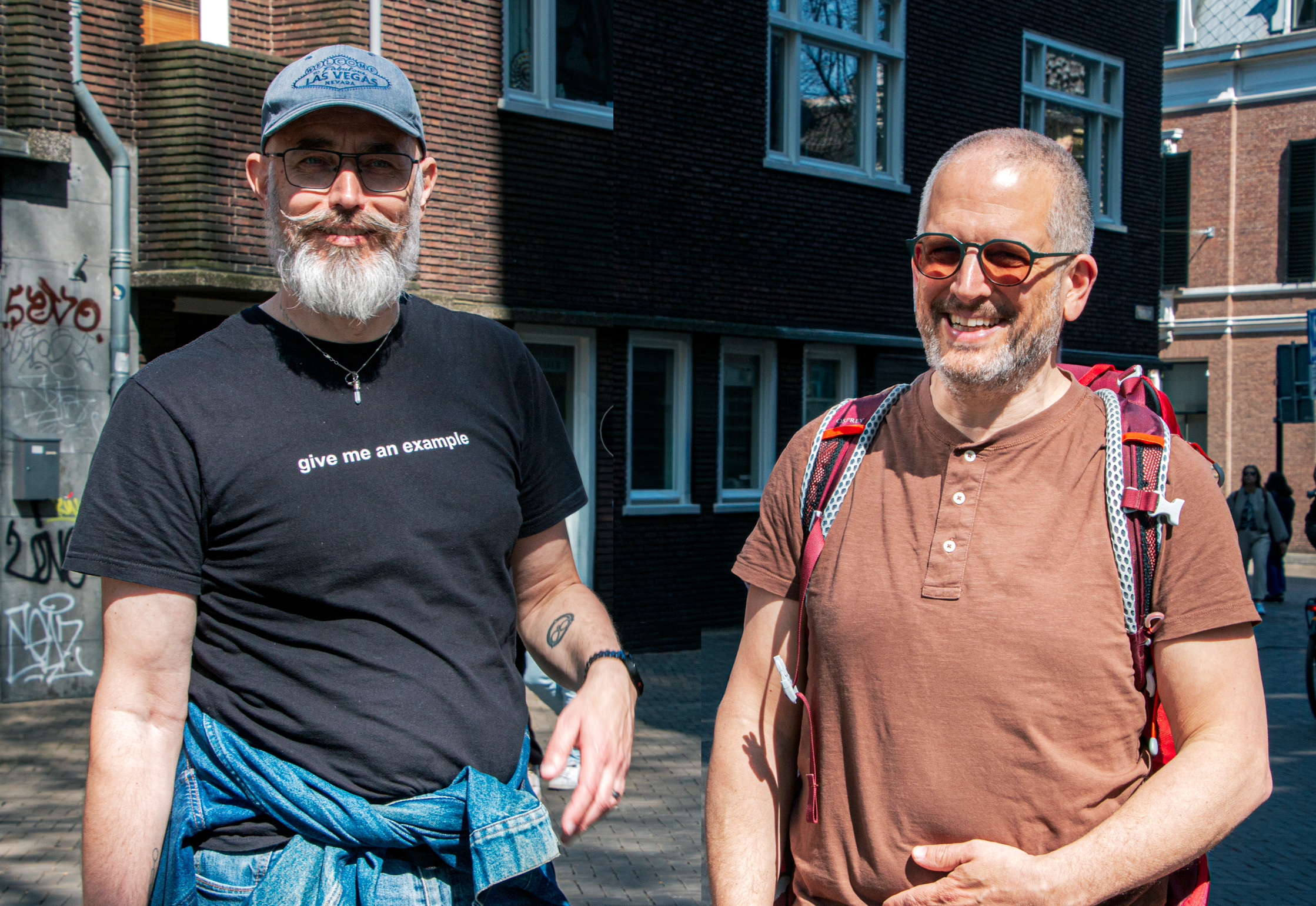
Between us we have spent the better part of fifteen years at data conferences around the world. Good ones, most of them. But the small European event for the data modeling community has become hard to find — the room where an argument about a key carries on through lunch and you go home with three people you can call. Things moved online, or grew, or turned into a show floor. What we missed was the shop talk and the networking, not the fast attention.
There is a second reason. Information modeling is central to what a company really owns. Tools get replaced every few years; the shared understanding of what a customer is, what a contract is, when something happened and when the business found out about it, stays. Somebody models that understanding, or everybody keeps guessing at it. We have both watched that go wrong often enough to think it is worth a day in one room — and in a time when every model ends up feeding something else, more so than before.
So: one day, one room, in Utrecht. Come and help build it.
More about the idea and the people behind it on the About page.

